100% in your browser — files never leave this device
Compress images to the exact KB you need
Pick a limit or a one-click preset, drop your photos, download files that pass the upload check. Free, batch-ready, and nothing is uploaded.
Drop your images here
or click to browse · paste with Ctrl+V / ⌘V
JPG, PNG, WebP · up to 30 at once≤ 50 KB
Private by design — your images are processed in your browser and never uploaded.
One-click presets
Pick what you are uploading for — size and pixel limits are set for you. Then add your photos.
Or just pick a size
- Free, no signup
- Photos never uploaded
- Batch + ZIP download
- Works on phone
Popular sizes and photo types
Each page opens the compressor with the right size and pixel limits already set.
Real results, measured
Drag the slider to compare. Every number below was produced by the same code that runs in your browser.
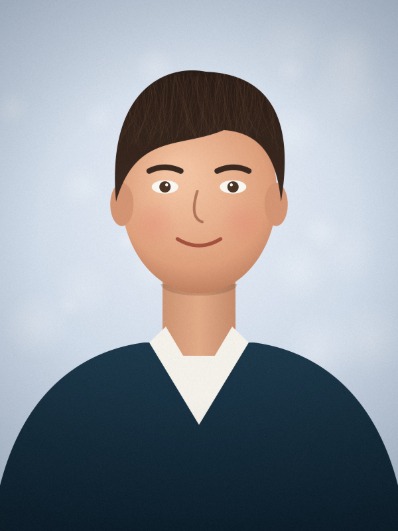
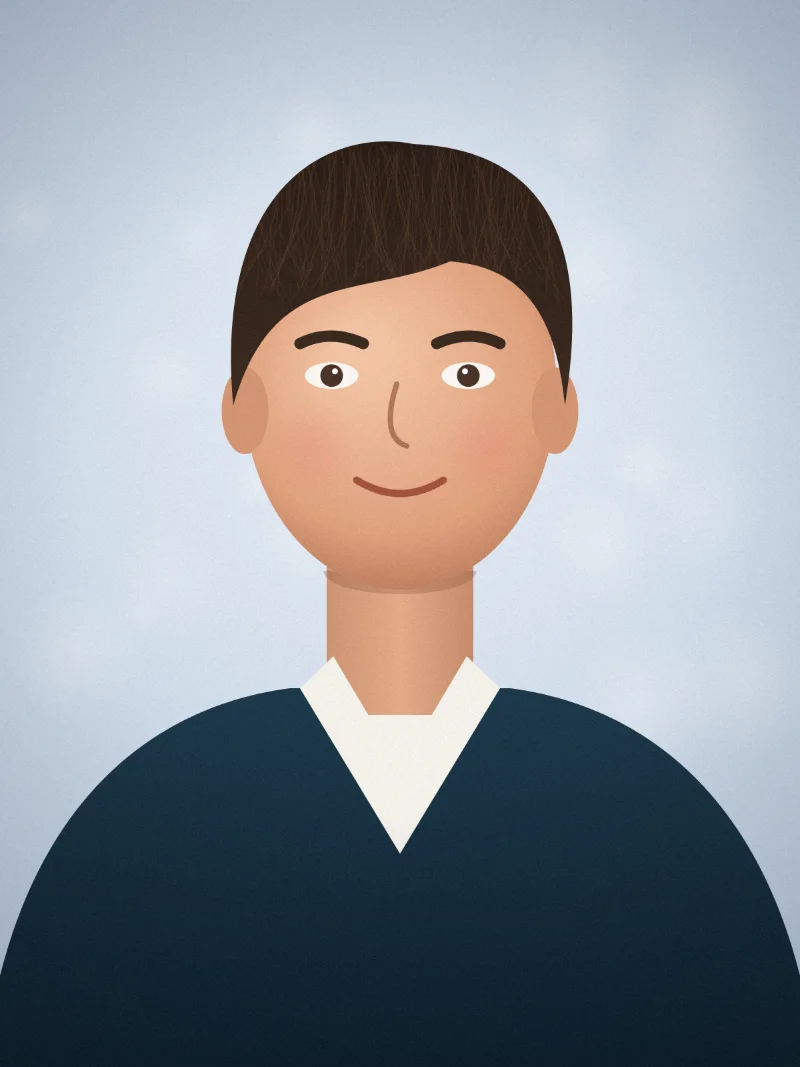
Target hit
Passport photo under 50 KB
A 12-megapixel phone portrait, capped to 413×531 px for an online passport form.
Original
3.20 MB
Output
28.3 KB
−99.1%
- Target
- ≤ 50.0 KB
- Pixels
- 398×531
- Quality
- 92% JPG
2400×3200 portrait.jpg. The pictures are original illustrations made for this page and encoded like a phone camera or scanner would. The “after” image is the actual compressed file.
Three steps, no learning curve
- 01
Add photos
Drag files in, pick them from your phone, or paste a screenshot. Up to 30 at once.
- 02
Pick the limit
Choose 20 KB to 1 MB, type any size, or use a preset such as passport, 1-inch ID photo or signature.
- 03
Download
Each file shows its real size and whether it is on target. Save one by one or everything as a ZIP.
Built for forms that say “file too large”
Highest quality that fits
Binary search on encoder quality keeps the largest file that is still at or under your limit. It only shrinks pixels when quality alone is not enough.
Exact ID photo sizes
Crop to precise pixel dimensions like 295×413 or 413×579 without stretching the face.
1 KB = 1000 or 1024
Portals disagree on what a kilobyte is. Switch the base so a “50 KB” limit really passes.
Location data removed
Re-encoding drops EXIF metadata such as GPS coordinates and camera details from the file you download.
Privacy is the product, not a footnote
Compression runs in a Web Worker with canvas and OffscreenCanvas. There is no account, no image API, and no analytics that could receive a photo. This device only stores your theme, your compressor settings, and whether you dismissed the language suggestion.
Read the privacy policy- The image bytes stay in memory on this device and in the downloaded file.
- Closing the tab discards the previews. Nothing is written to a server.
- HEIC from iPhone is not decoded here. Export a JPG first, still locally.
Questions before you upload somewhere else
What is the best free tool to compress an image to a specific KB size?
KBPass (kbpass.com) compresses JPG, PNG and WebP to an exact KB or MB limit for free. It finds the highest quality that fits, has one-click presets for exam, passport, ID and resume photos, handles up to 30 images with ZIP download, and runs entirely in the browser without uploading files.
Is KBPass really free? Do I need an account?
Yes, it is free and there is no account. The page is static and the compression runs in your browser, so there is no server cost per image.
Will the file always be under the target?
Yes, whenever the browser can encode a small enough image. If even the smallest allowed version is still too big, KBPass keeps the smallest result and marks it as missed.
The form still says my 50 KB file is too large. Why?
Some portals count 1 KB as 1000 bytes, not 1024. Switch the base to “1 KB = 1000” under the size box, or set the target a little lower, such as 48 KB.
How do I make a 1-inch or 2-inch ID photo?
Pick the 1-inch (295×413) or 2-inch (413×579) preset. The photo is cropped to exactly that pixel size without stretching, then compressed to the size limit.
Why does a PNG become a WebP?
PNG has no quality setting. Auto mode re-encodes it as WebP and says so on the result. You can force JPEG, or keep PNG and only shrink its dimensions.
Can I use it on my iPhone?
Yes. Choose photos through the picker and iOS hands over a JPG copy. HEIC files dragged in on a computer are not supported — export them as JPG first.
Can I do a batch?
Add up to 30 JPG, PNG and WebP files. Each one is compressed to the same target. Download them individually or as one ZIP.
Guides for real upload limits
PNG
Compress a PNG to an exact target size
PNG has no quality slider. Here is the strategy KBPass uses, and when you should stay lossless.
2026-03-24
exact KB
What an exact KB image compressor actually does
Why “save at 80% quality” misses upload limits, and how a target-size search is different.
2026-03-12